After more than two decades in the classroom, I have tried just about every vocabulary and review strategy imaginable — flashcards, bingo, word walls, exit tickets, you name it. But few tools have consistently engaged students across every grade level and subject the way a well-crafted criss-cross puzzle can. There is something about the quiet focus that settles over a classroom when students are working through a puzzle together. They are thinking, they are problem-solving, and they do not even realize how hard they are working.
That is exactly why I built this free Crossword Puzzle Generator. I wanted a tool that teachers could actually use — fast, flexible, and free — without needing a paid subscription or a graphic design background.
What Is a Criss-Cross (Crossword) Puzzle?
A criss cross puzzle — sometimes called a fill-in crossword or word-fit puzzle — is a variation of the traditional crossword. Instead of solving a blank grid from scratch using only clues, students are given both the clues and the answer words, and their job is to figure out where each word fits in the grid. This makes it slightly more accessible than a traditional crossword, particularly for younger learners or students who are building vocabulary in a new subject area.
The format encourages students to look carefully at word length, shared letters, and logical deduction — all excellent cognitive skills that transfer far beyond the puzzle itself.
Add words with clues and click Generate Puzzle to get started
Who Is This Tool For?
This generator was designed with busy educators in mind. Whether you are a classroom teacher, a homeschool parent, a curriculum coordinator, or a tutor, you will find it genuinely useful. I have personally used this type of puzzle with students ranging from third grade all the way through high school, and the engagement level has always been high.
It is particularly effective for:
- Elementary and middle school teachers reviewing unit vocabulary
- High school teachers in any subject area — science, history, literature, math
- ESL and ELL educators building academic vocabulary
- Special education teachers who need differentiated, visual activities
- Homeschool families looking for structured but enjoyable review work
- After-school program coordinators who need quick printable activities
How to Use the Criss Cross Puzzle Generator — Step by Step
The tool is designed to be intuitive, but let me walk you through it so you can get your first puzzle ready in under five minutes.
Step 1 — Customize Your Puzzle Title and Style
At the top of the generator, you will find the Puzzle Setup section. Type in your puzzle title — something like "Chapter 5 Vocabulary Review" or "Solar System Word Puzzle." You can choose a title color and font to match your classroom theme or subject area. This small detail matters more than you might think — a polished, professional-looking worksheet signals to students that the activity is worth their attention.
You can also add a custom instruction line that will appear beneath the title on the printed puzzle. Something like "Use the clues below to fill in the grid" works perfectly, or you can make it more specific to your lesson.
Step 2 — Add Your Words and Clues
This is where the real teaching power lives. In the Words and Clues section, type your word in the first field and your clue in the second field. Press Enter or click the Add button, and your word-clue pair will appear in the list below.
A few tips from experience:
Write clues at the right level. For younger students, use definition-style clues: "The force that pulls objects toward Earth." For older students, you can use more open-ended or inferential clues that require deeper thinking.
Choose words that share common letters. The puzzle engine places words where they intersect — just like a real crossword. Words like GRAVITY, GALAXY, and GEOGRAPHY all share G, which gives the engine more opportunities to connect them elegantly. If your words share very few letters, some may not fit in the grid.
Aim for 8 to 12 words. This is the sweet spot in my experience. Fewer than 6 words and the puzzle feels thin. More than 14 words and the grid can become too dense for students to navigate comfortably. Eight to twelve gives you a satisfying, challenging puzzle that fits neatly on one printed page.
Step 3 — Use a Quick Theme Preset (Optional)
If you are short on time or just want to see how the tool works, click one of the eight built-in theme buttons — Science, Space, Animals, Math, History, Geography, Technology, or Holidays. Each theme loads eight words with professionally written clues instantly. You can use them as-is, edit individual clues, or use them as a starting point and swap in your own vocabulary.
Step 4 — Generate Your Puzzle
Click the Generate Puzzle button and the engine will build your criss cross grid automatically. Words are placed where they share letters, numbered for reference, and the ACROSS and DOWN clue lists appear beneath the grid — ready to print.
If a word could not be placed (usually because it shares no letters with any other word in the list), a notification will let you know. Simply adjust your word list and regenerate — it takes seconds.
Step 5 — Preview, Check the Solution, and Download
Before you print or share anything, use the Show / Hide Solution button to verify the completed puzzle looks correct. This is an important step — always check before you make 30 copies.
When you are happy with the result, click Download PDF to get a print-ready worksheet. The PDF includes a name and date field at the top, your puzzle title and instructions, the full grid, and the numbered clue lists — all formatted cleanly on a standard letter-size page. The richineducation.com watermark appears at the bottom as a small footer. You can also Save SVG if you want a scalable image file to embed in a document or slide.
Where to Use Criss Cross Puzzles in Your Teaching
Over the years I have found that puzzles like this are most effective in specific contexts. Here are the situations where I reach for them most often.
As a unit vocabulary warm-up. Introduce the puzzle at the start of a unit before students have been formally taught the vocabulary. The struggle is productive — students make predictions, look for patterns, and arrive at the first lesson already curious about the new terms.
As a review before a quiz or test. Students appreciate a low-stakes review activity that does not feel like studying. A criss cross puzzle covering the key vocabulary of a unit is one of the most efficient review tools I know. It takes 15 to 20 minutes, it is self-checking, and it consolidates spelling alongside meaning.
As a substitute lesson. A well-designed puzzle with clear instructions is a perfect substitute activity. It requires no teacher facilitation, students can work independently or in pairs, and it is genuinely educational — not just busy work.
As a fast-finisher activity. Keep a few subject-specific puzzles printed and available for students who finish early. It keeps them productively engaged without requiring you to differentiate a separate task.
As a family engagement tool. Send a puzzle home as a family activity — particularly during review weeks or before big assessments. Parents appreciate having a concrete, fun way to support learning at home.
As a station or center activity. In a differentiated classroom, a criss cross puzzle works beautifully as one of four or five rotating stations. Students at this station are reviewing independently while you work with a small group.
Tips for Getting the Best Results
After using crossword-style puzzles for many years, I want to share a few things that will save you time and frustration.
Review your word list before generating. Check that at least several of your words share letters. If you are building a math vocabulary puzzle and all your words are numbers spelled out — like SEVEN, THREE, FOUR — they will not intersect well. Mix in terms like FRACTION, FACTOR, or EQUATION to give the engine more connection points.
Keep word lengths varied. A mix of short words (4 to 5 letters) and longer words (8 to 12 letters) produces a more visually interesting grid and gives students anchoring points to work from.
Use the theme presets to save time. If you are working on a general topic — space, animals, holidays — the built-in themes are genuinely well-crafted starting points. Modify one or two clues to match your specific lesson and you are done in two minutes.
Print at 100% scale. When printing the PDF, make sure your printer is set to 100% or "Actual Size." Scaling down can make the cells too small for students to write in comfortably.
Why Vocabulary Activities Like This Matter
I want to take a moment to speak to the deeper purpose here, because it is easy to see a puzzle as just a fun filler activity. It is not.
Vocabulary knowledge is one of the strongest predictors of academic achievement across every content area. Research consistently shows that students need multiple meaningful exposures to a new word before it becomes part of their working vocabulary. A criss cross puzzle provides one of those exposures in a format that is active, self-directed, and memorable. When a student works through the logic of placing PHOTOSYNTHESIS in a grid because it shares an O with OXYGEN and an H with HABITAT, they are building a conceptual web around that word — not just memorizing a definition.
That is the difference between a worksheet that keeps students busy and an activity that actually moves learning forward.
Ready to Build Your First Puzzle?
The generator is right here on this page. No account, no download, no cost. Type in your words, add your clues, click Generate, and have a polished printable puzzle ready before your next class.
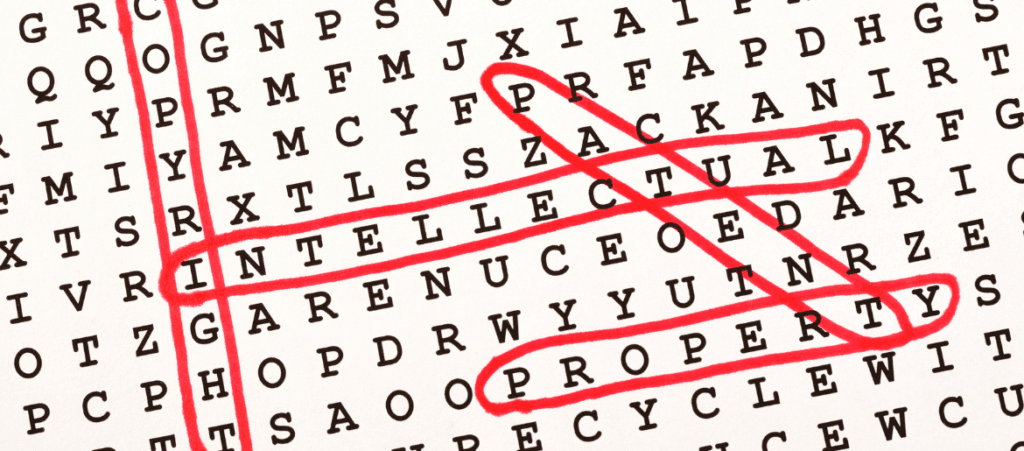
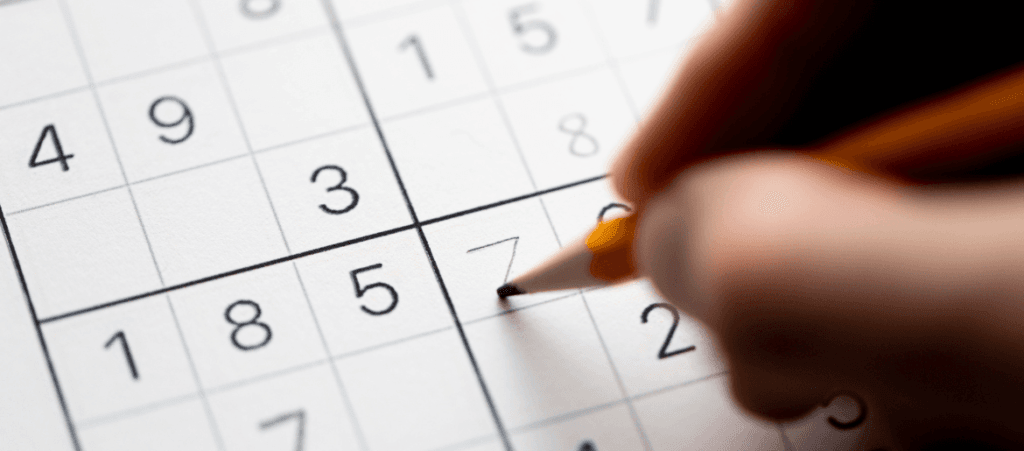
If you find this tool useful, explore the other free generators on Rich in Education — including the Word Search Generator and the Sudoku Puzzle Generator — all built with the same philosophy: give teachers professional-quality tools that actually respect their time.
Happy teaching.