A Fast-Paced, High-Energy Multiplication Game for Your Classroom!
If you’re looking for a fun, competitive, and highly engaging way to help your students master their multiplication facts, Times Table Team Battle is the perfect classroom activity! This interactive game turns multiplication practice into a lively team challenge that gets every student excited about math.
Teachers can fully customize the activity—choose the team names, select the difficulty level, set the timer, and even enable penalty points. Whether you want a quick warm-up or a full class tournament, this game fits easily into any lesson.
🎮 How the Game Works
Times Table Team Battle is designed for two teams:
- 🔴 Red Team
- 🔵 Blue Team
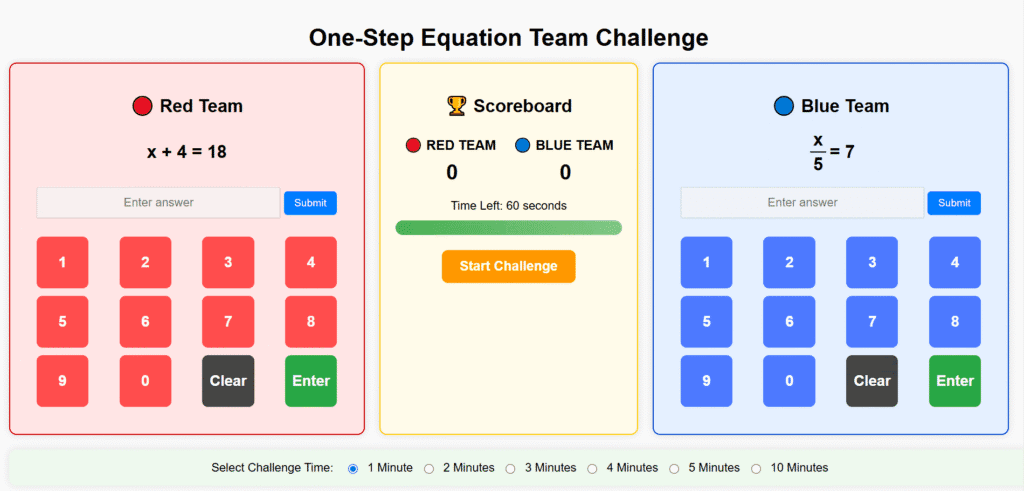
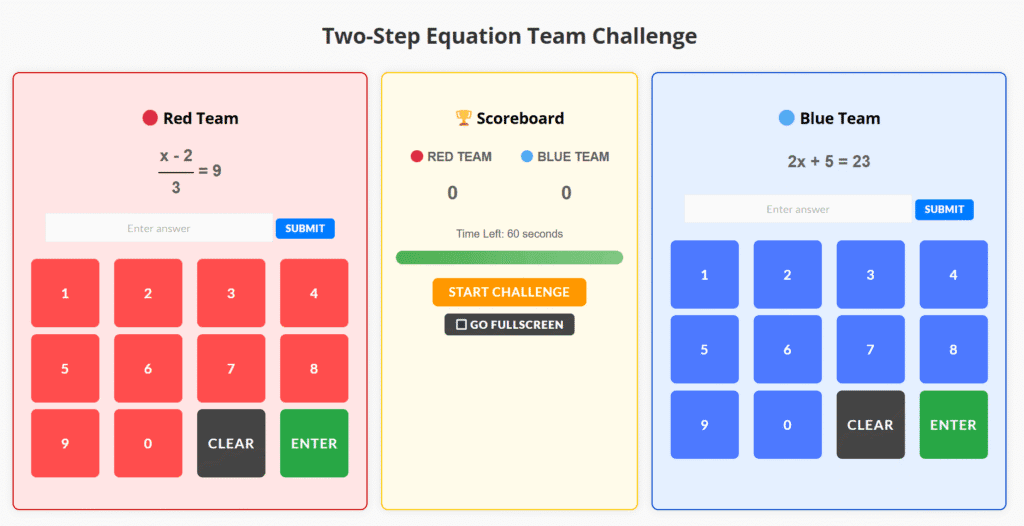
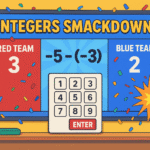
Each team receives its own multiplication questions. Students type their answers using a keypad or keyboard, racing to earn as many points as possible before time runs out.
✔️ Students earn:
- +1 point for each correct answer
❌ Optional twist:
- Penalty Mode (if enabled): Every incorrect answer gives +1 point to the opposing team, making accuracy just as important as speed!
The game ends when the timer reaches zero—and a colorful confetti celebration highlights the winning team!
⚡ Setup Times Table Challenge
🛠️ Teacher Setup (Fully Customizable!)
Before starting, you can adjust:
- 🏷 Challenge Title
(e.g., Times Table Team Battle, Multiplication Face-Off, Math Madness Showdown) - 🔴 Red Team & 🔵 Blue Team Names
(Let students name their own teams!) - 📈 Difficulty Level
- Easy: up to 6×6
- Medium: up to 9×9
- Hard: up to 12×12
- ⏱ Time Limit
Choose 1–10 minutes depending on your lesson. - ⚖️ Penalty Points
Add extra excitement and strategy.
When you click Start Challenge, both teams begin answering questions simultaneously.
🏫 How to Play in the Classroom
Here’s the simplest way to run this activity in your room:
1. Divide your class into two teams
Each group chooses a team name or sticks with the classic Red and Blue.
2. Assign a team representative
One student will stand at the board, Chromebook, or smartboard to enter answers.
Rotate every round so everyone participates.
3. Set up the difficulty & timer
- Use Easy for younger grades or a warm-up.
- Use Hard for advanced students or upper grades.
4. Hit “Start Challenge”
Both teams begin answering and earning points!
5. Rotate student players
After each round, choose new teammates to step up and take their turn, while the rest of the team solves on whiteboards or works together to help.
6. Announce the winners
At the end, the scoreboard shows final points—confetti and all!
🏆 Run a Times Table Battle Tournament!
You can turn this game into a full-class tournament or even grade-level competition.
Tournament Ideas:
1. Team Bracket Tournament
- Create 4–8 teams in your class
- Run short 1-minute battles
- Winners move forward until the final championship match
2. Rotation Stations
Set up multiple Chromebooks or laptops.
- Each pair of teams plays at a station
- After every round, teams rotate
- Keep a record of wins and points
3. Classroom “Math Olympics”
Use Times Table Team Battle as one event among others:
- Estimation challenge
- Mental math sprint
- Fractions relay
Award medals or certificates!
🎯 Why Teachers Love This Game
- Builds instant engagement
- Encourages teamwork
- Reinforces multiplication fluency
- Offers friendly competition
- Works great as a warm-up, review, or brain break
- Supports differentiated learning with adjustable difficulty
- Perfect for smartboards, Chromebooks, or whole-class displays