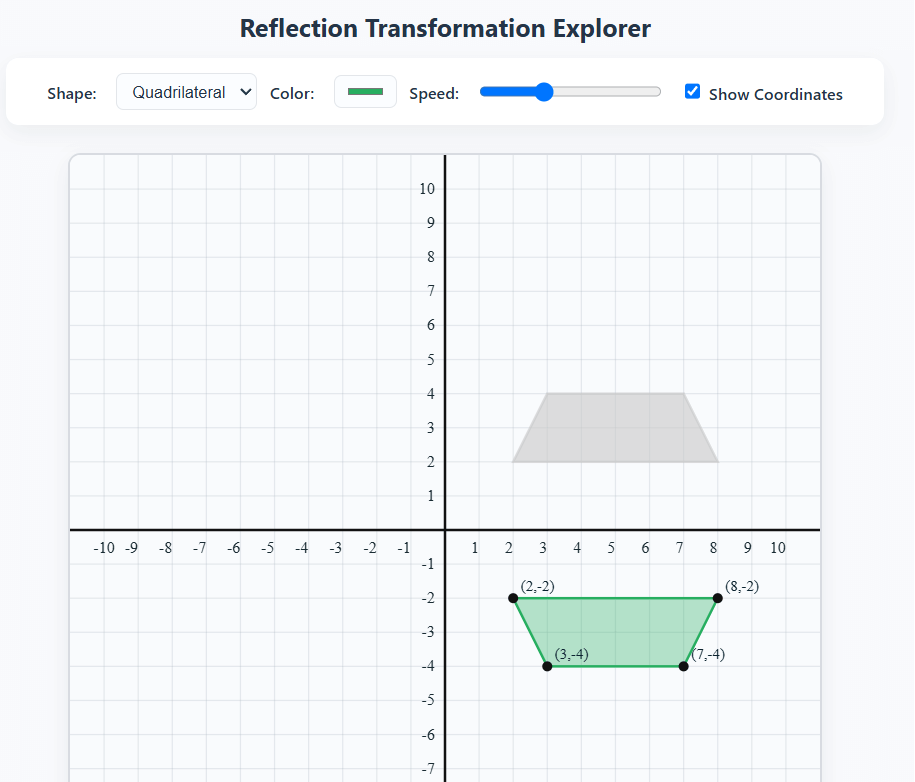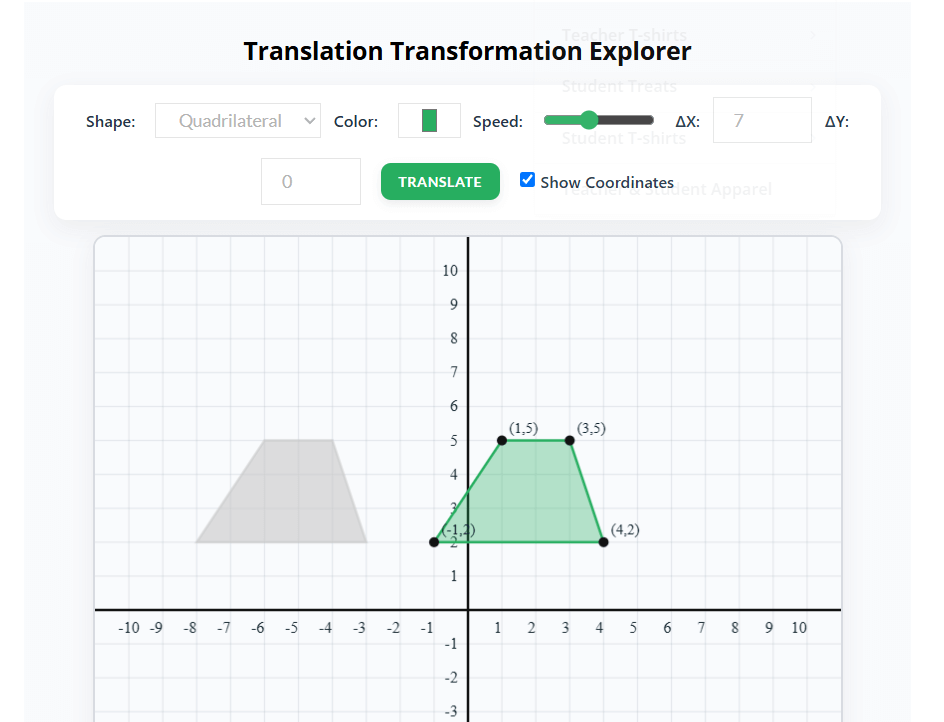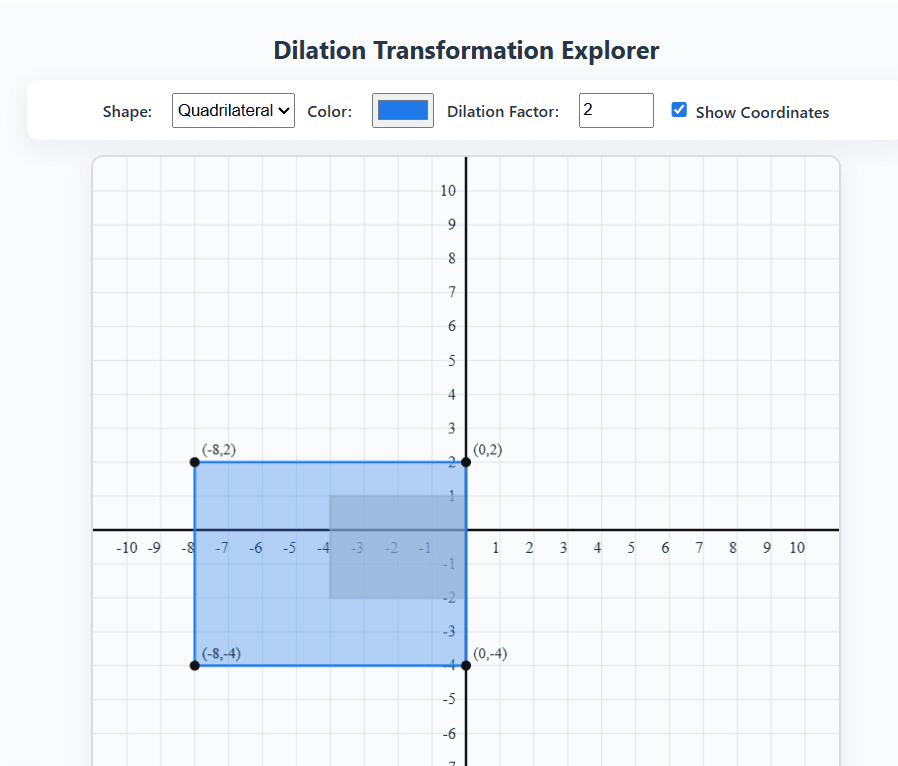
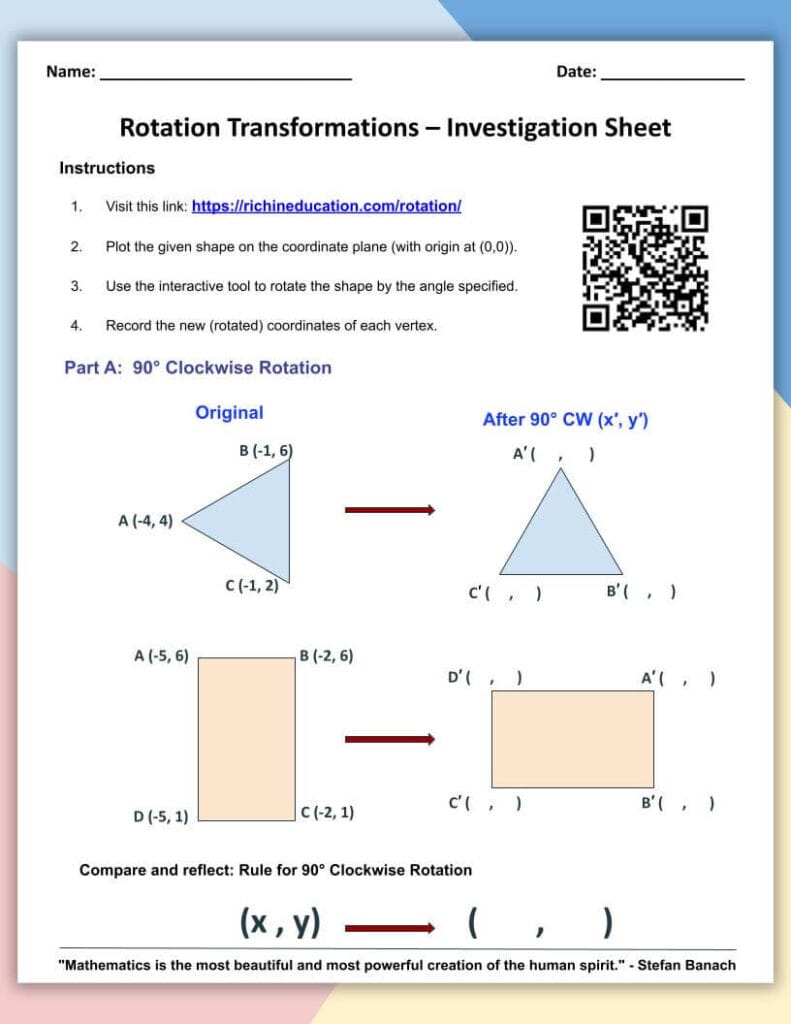
📝 Download the Free Rotation Worksheet
Take your students’ learning a step further with this guided discovery worksheet that pairs perfectly with the interactive activity above. Students will use the rotation tool to explore 90° clockwise, 90° counterclockwise, and 180° rotations of shapes on the coordinate plane. As they record and compare the coordinates of each figure, they’ll discover the rotation rules on their own through pattern recognition and reasoning.
📄 Download the guided discovery worksheet to make rotations interactive, visual, and fun for your class!
Interactive Rotation Activity
Teaching transformations in 8th-grade math can be a challenge — especially rotations. Students often understand the rules in theory, but seeing how a shape moves and changes on a coordinate plane makes the concept click. That’s why we created this interactive rotation tool designed specifically for classrooms.
With this hands-on project, your students can:
- Explore rotations of triangles, squares, rectangles, and circles.
- Visualize rotation rules with clear, animated transformations.
- Compare original and rotated shapes, including mirrored and previous positions in gray for reference.
- Control animation speed, so every student can follow along.
- Customize shapes and colors to make learning more engaging.
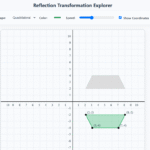
Rotation Transformation Explorer
How It Works:
- Choose a Shape: Select from triangle, square, rectangle, or circle.
- Plot Your Shape: Click on the coordinate plane to create your shape. The points are snapped to the grid, making plotting easy and accurate.
- Rotate the Shape: Use the rotation buttons to rotate 90° clockwise, 90° counterclockwise, or 180°. The rotation is animated so students can see exactly how the shape moves.
- Compare and Learn: After rotation, the original shape stays visible in gray, allowing students to analyze how the rotation rule applies.
Why Teachers Love It:
This tool is perfect for classroom demonstrations, interactive math stations, or even remote learning. Students can experiment with different coordinates, see rotations in action, and truly understand how shapes transform on a coordinate plane.
The coordinate plane is fully customizable:
- Show or hide grid lines
- Display numbers along the x- and y-axes
- Choose point colors and shape colors
It’s designed to be intuitive, engaging, and educational, helping students move from memorizing rules to mastering rotations through exploration.
Whether you’re teaching math transformations, geometry, or just looking for a fun, interactive way to reinforce 8th-grade math standards, this project is a perfect classroom companion.
Call to Action:
Try it today and let your students explore rotations like never before! Share your classroom experiences and see how visualizing rotations can make math transformations exciting and memorable.